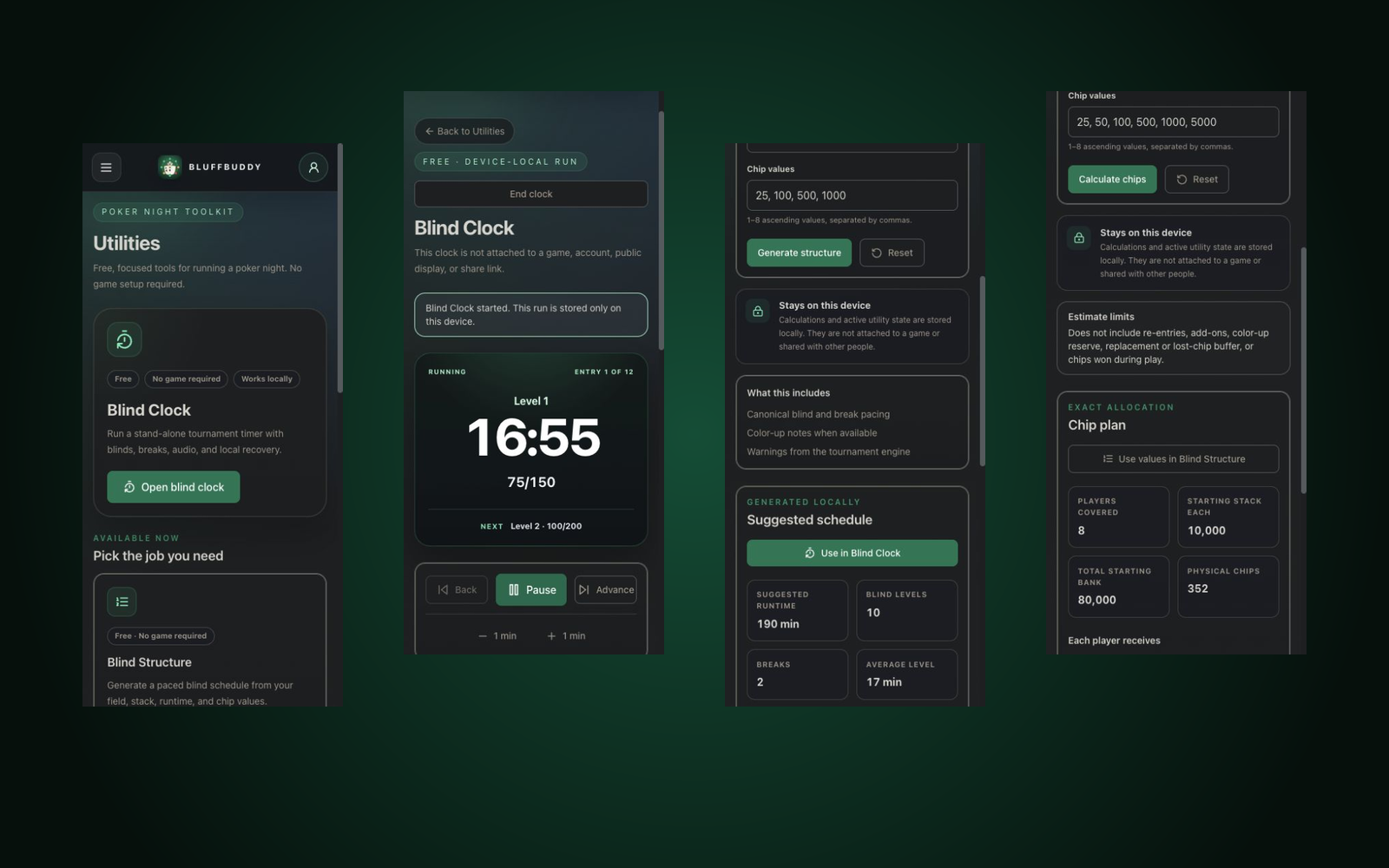
Open straight into a local Blind Clock, Blind Structure generator, and Starting Stack calculator. No account or game setup required. Sign in when you want to invite players, collect RSVPs, save a game, or run linked Game Day tools.
Blind ClockRun a stand-alone timer with levels, breaks, and audio.
Structures & stacksGenerate the schedule and stage exact starting chips.
Full host workflowSign in for invites, RSVPs, saved games, and Game Day.
See BluffBuddy in action
Start with a tool. Connect the whole night when you need to.
The first screen is useful on its own; the signed-in workflow adds guests, saved game context, and shared Game Day controls.
01 / Free Utilities
Open the exact tool the table needs.
Run a local clock, generate a blind schedule, or calculate the starting bank without creating an account or game.
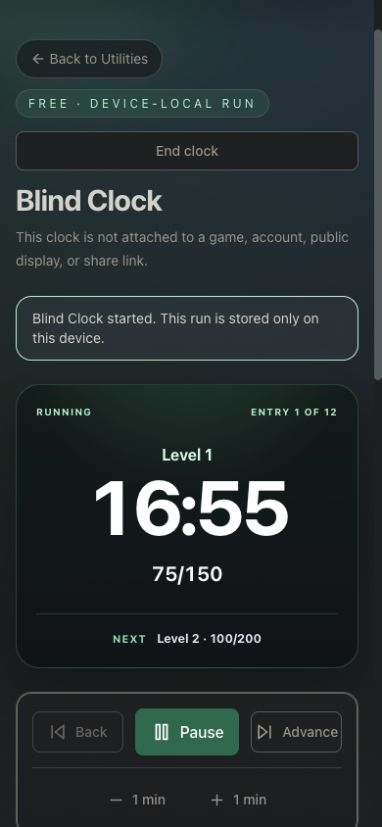
Free Blind Clock with levels, breaks, audio, and recovery.
Blind Structure handoff directly into the clock.
Exact Starting Stack and total-bank allocation.
02 / Tournament Runtime
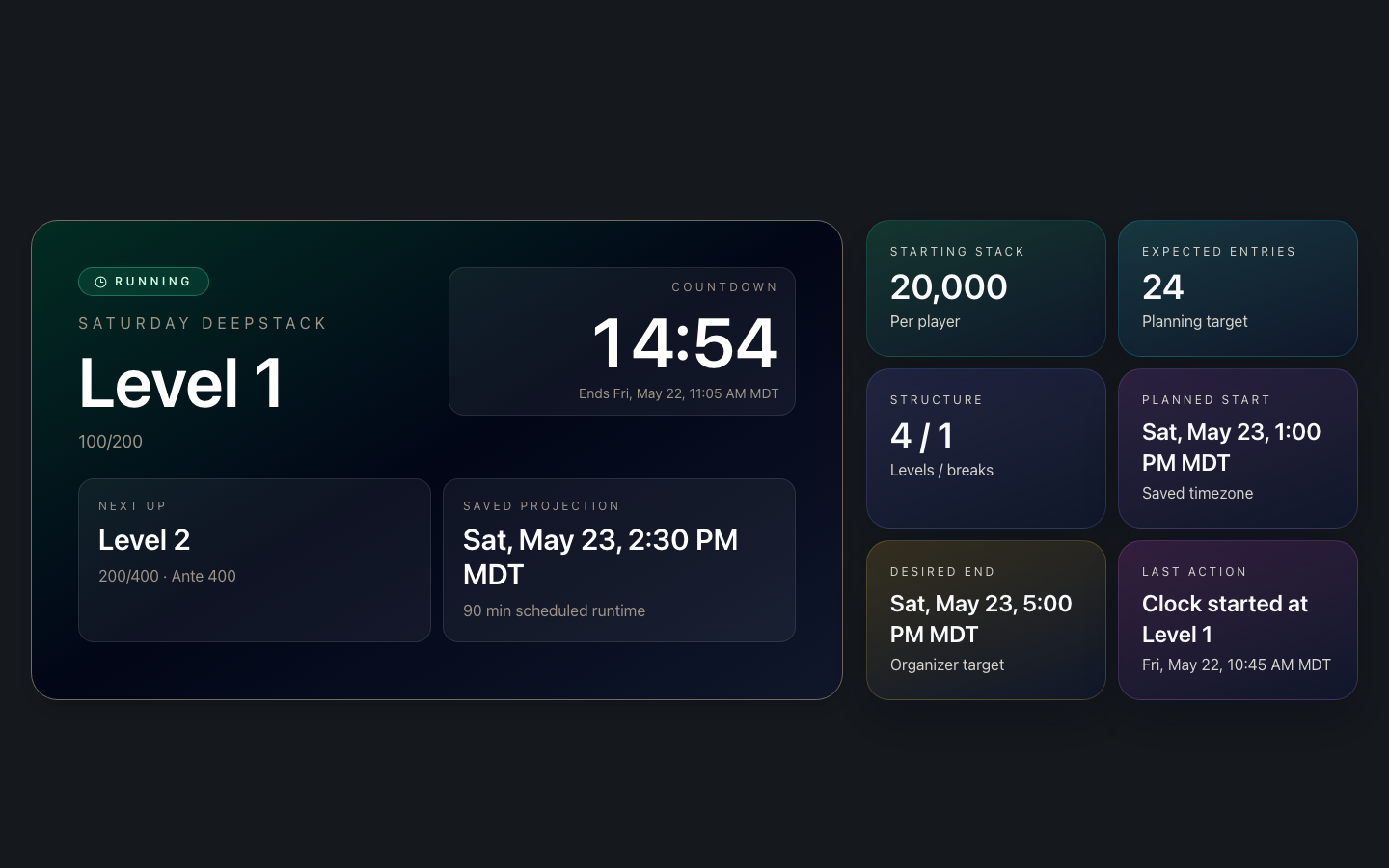
Tournament display and host controls stay in sync.
Put the clock on the room screen while the host keeps voice alerts, fullscreen mode, live clock recovery, and structure edits close at hand.
Fullscreen level, blind, break, and countdown display.
Mobile controls for the host.
Audio alert mode and live run context in one place.
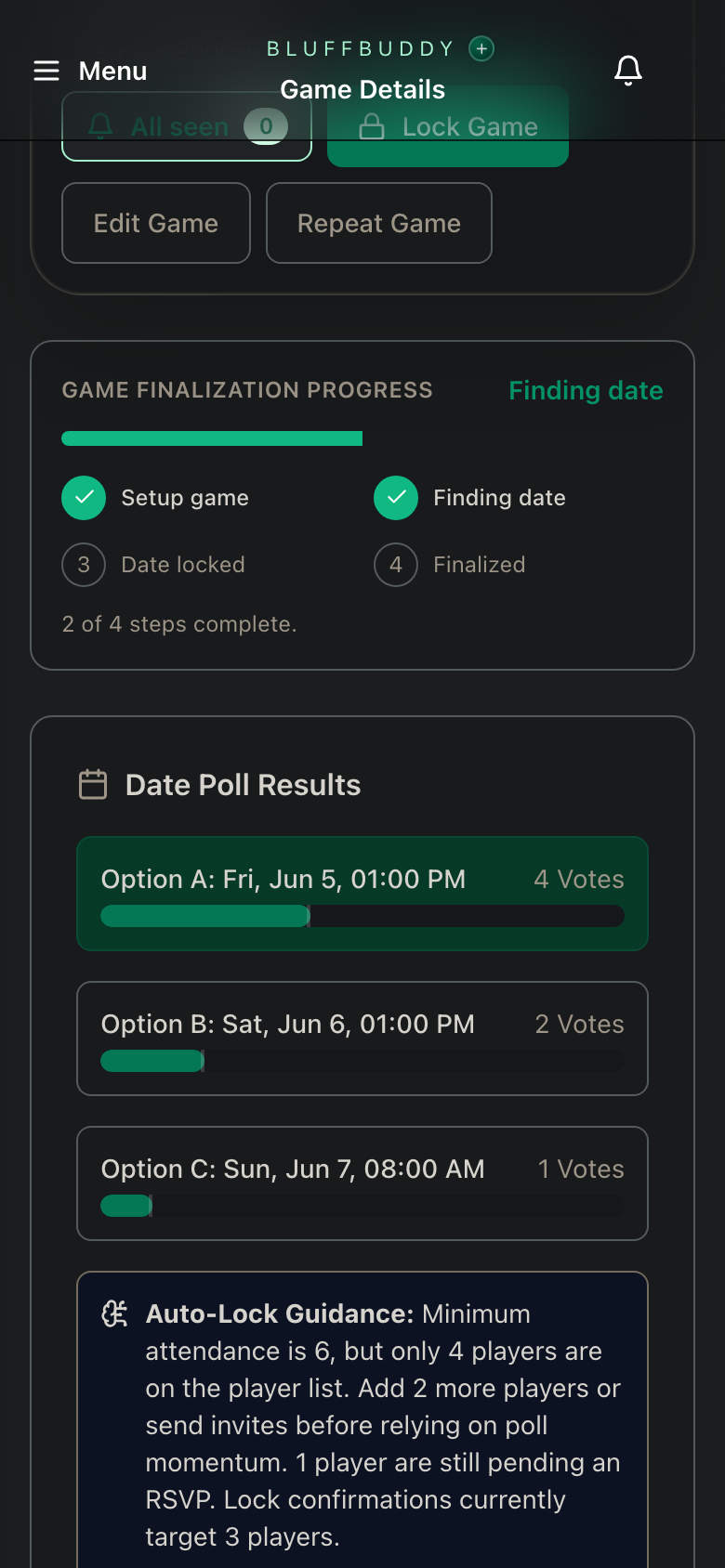
03 / Game Details
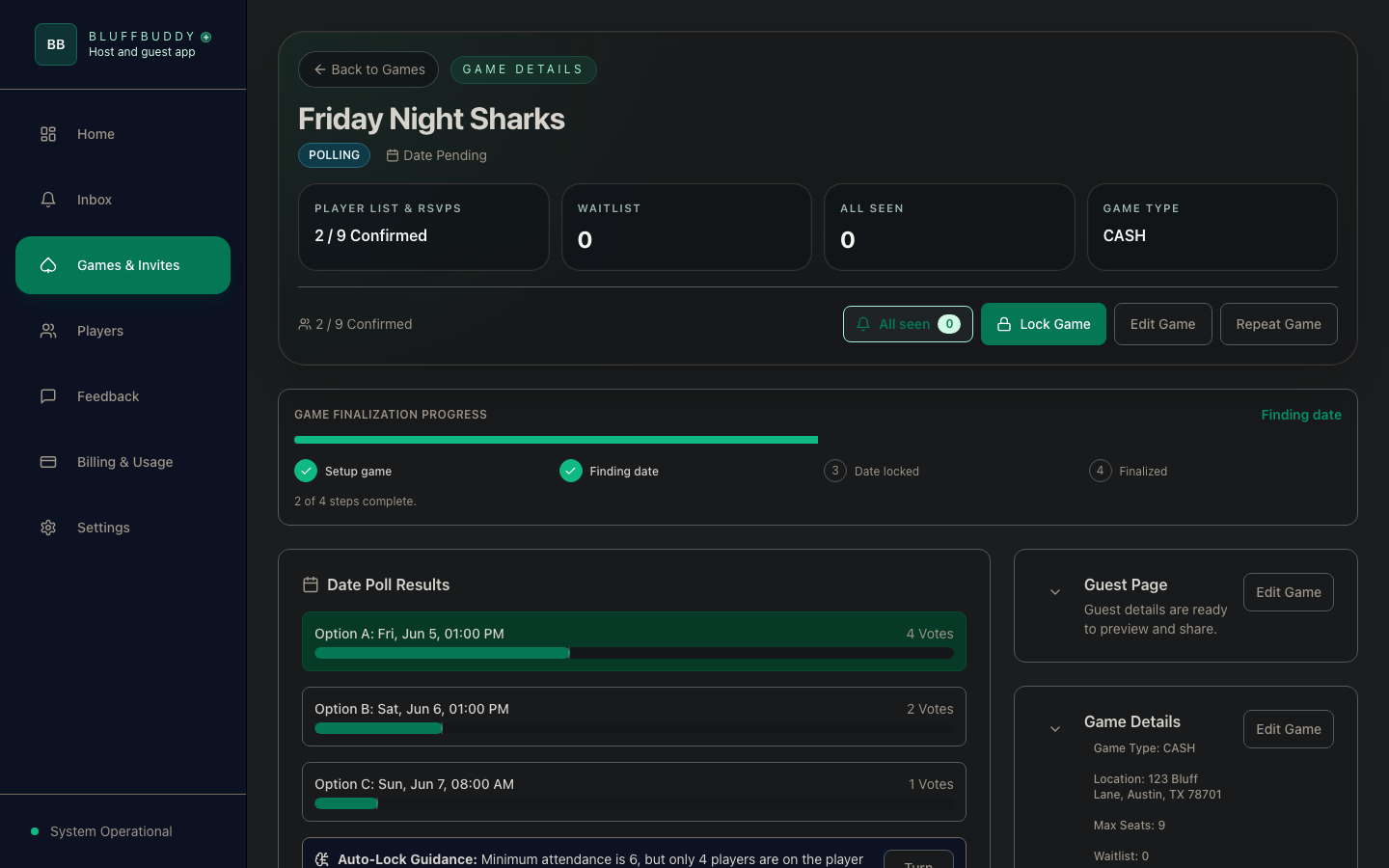
Date polls and status are visible before lock.
Track poll momentum, player count, finalization progress, and lock readiness from the same game details view.
Vote bars for each proposed date.
Progress state from setup through finalization.
Host actions beside the current game context.
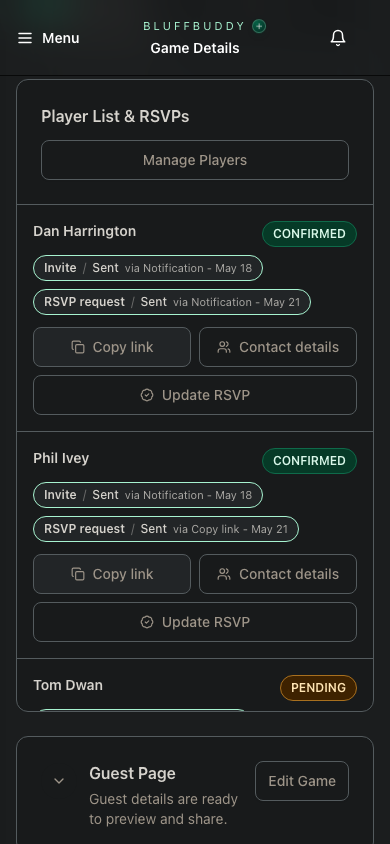
04 / Guest List
Track every seat from invite to response.
Keep the game roster, RSVP state, invitation progress, and guest-page actions visible before the night is locked.
RSVP status is visible beside each invited player.
Invite sent and RSVP request status stay with the roster.
Player details remain available without leaving the game.
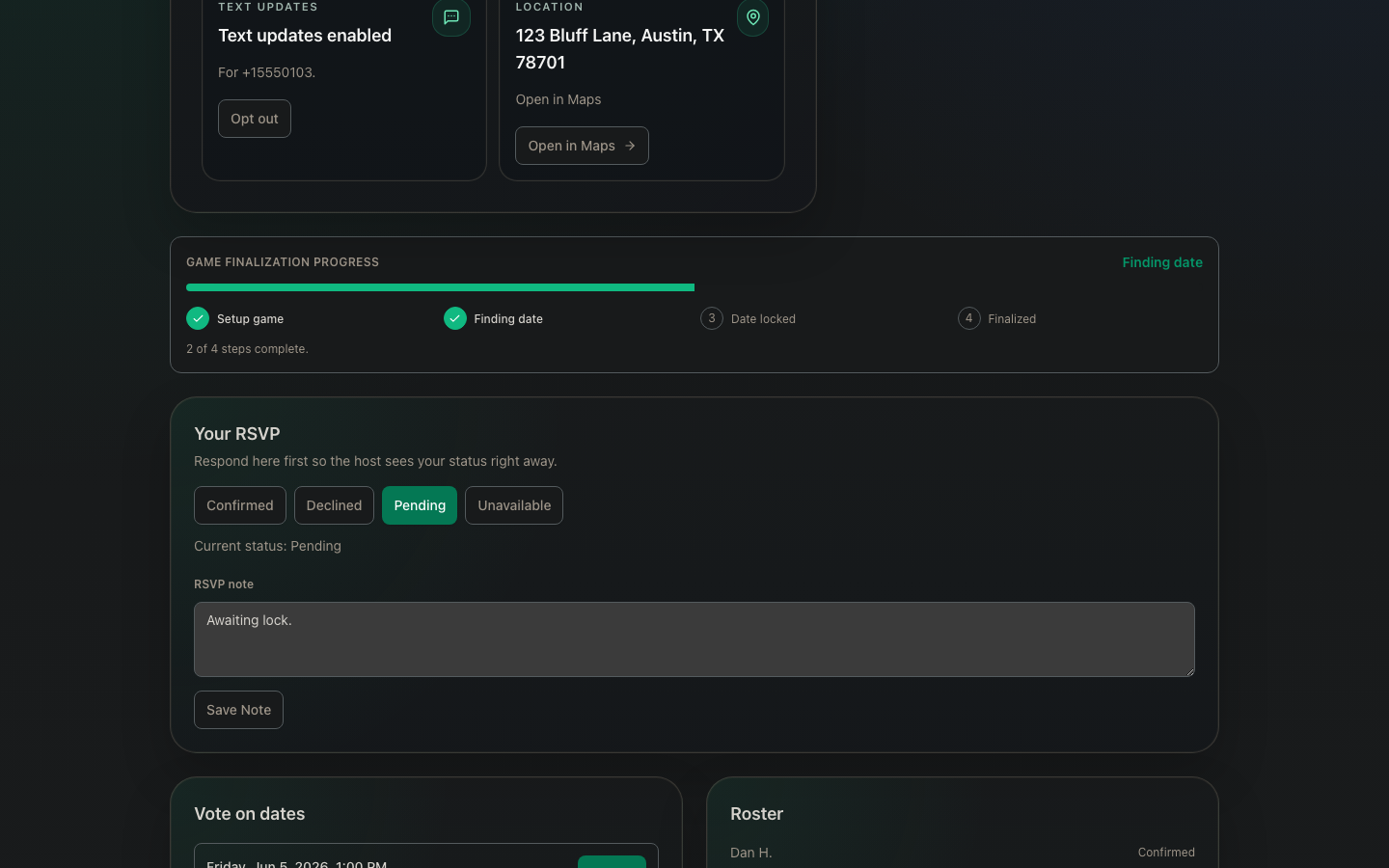
05 / Guest Portal
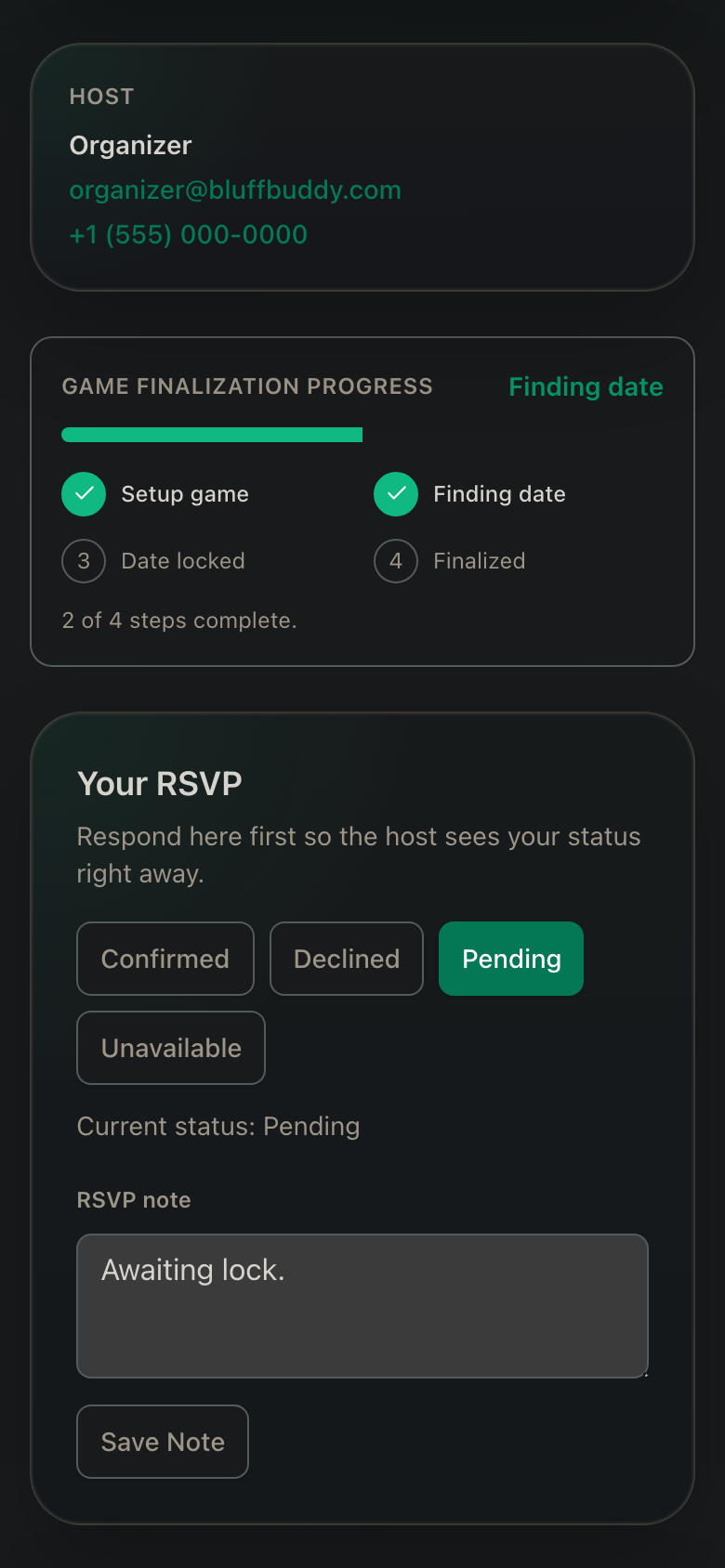
Guests can RSVP without having to sign-up or install anything.
Guests get one focused page for status, notes, date votes, the roster, and event details while organizers keep one current record.
Clear RSVP states and guest notes.
Date voting from the invite link.
Roster and location context without app switching.
06 / Linked Blind Schedule
Generate and tune the blind ladder before cards fly.
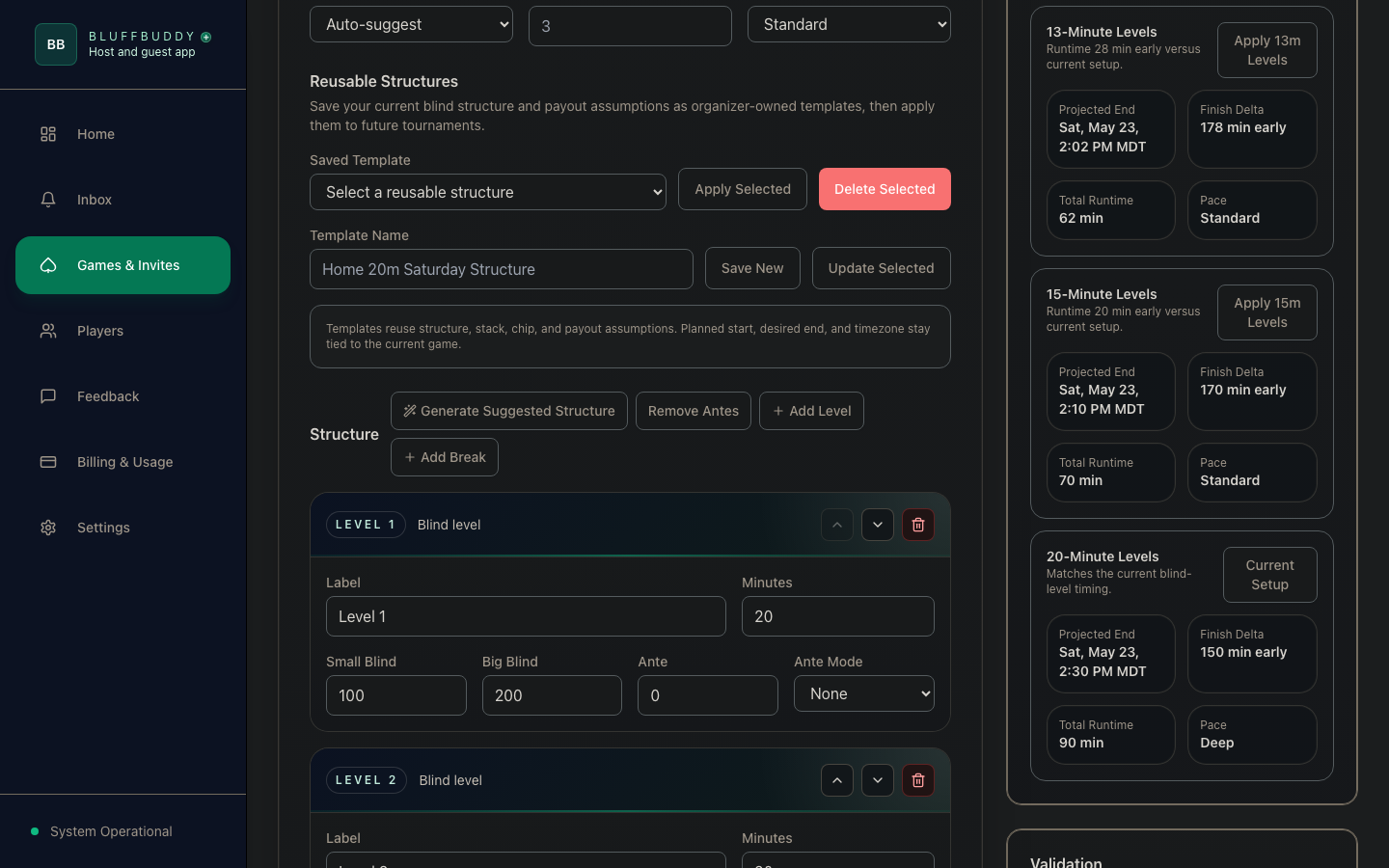
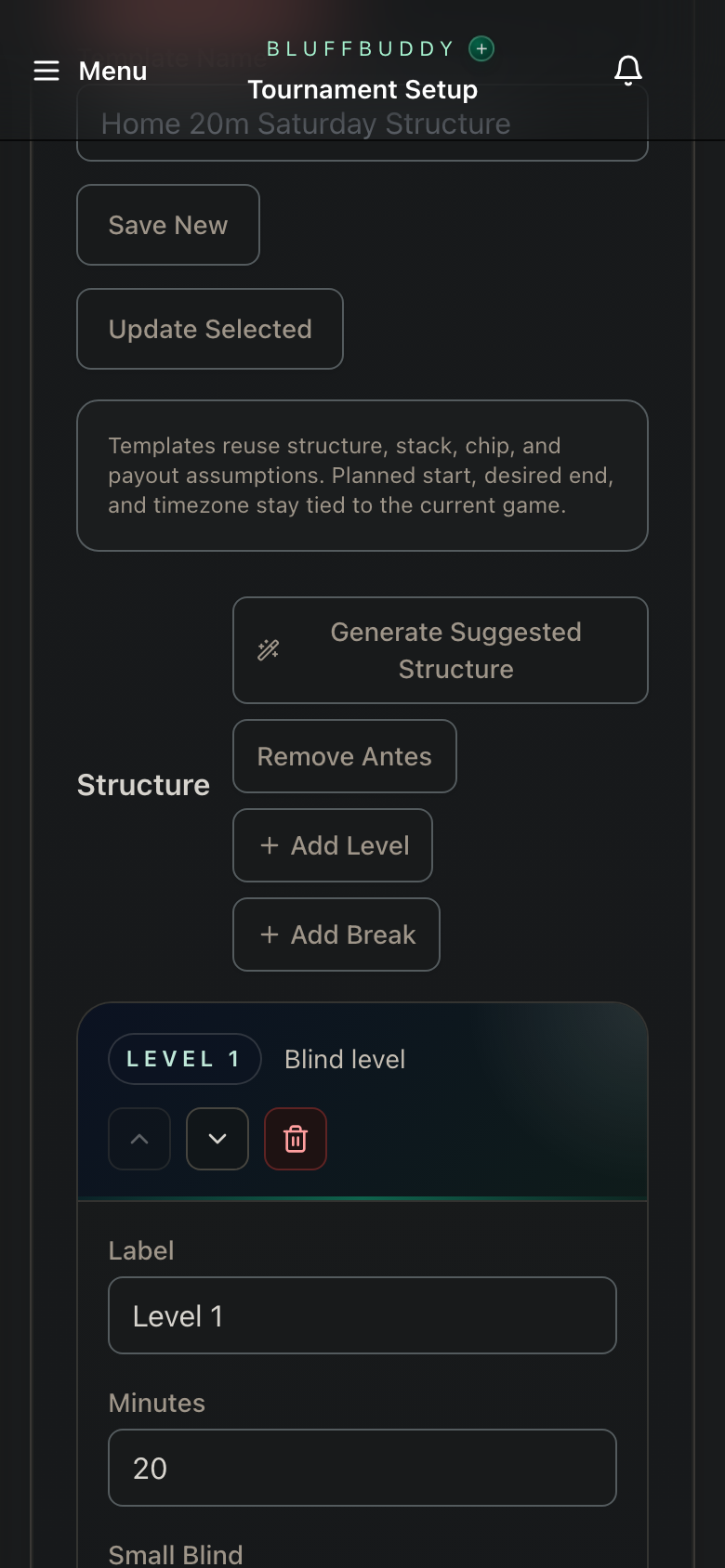
Build the schedule, compare level timing, manage breaks, and keep stack, payout, and finish-time planning tied to the tournament.
Suggested blind structure generation.
Level, ante, break, and timing controls.
Runtime comparisons before the structure is saved.
Useful at any table
Start with one job. Grow into the full poker-night workflow.
BluffBuddy is planning and game-day software for in-person poker nights. It does not offer online poker gameplay, wagering, betting, casino games, or real-money gaming.
01
Anyone running the table
Open a clock, build the blind ladder, or stage starting chips without setting up a game.
02
Private tournament hosts
Move from the free local tools into saved structures, guest coordination, and a linked room display.
03
Leagues and recurring groups
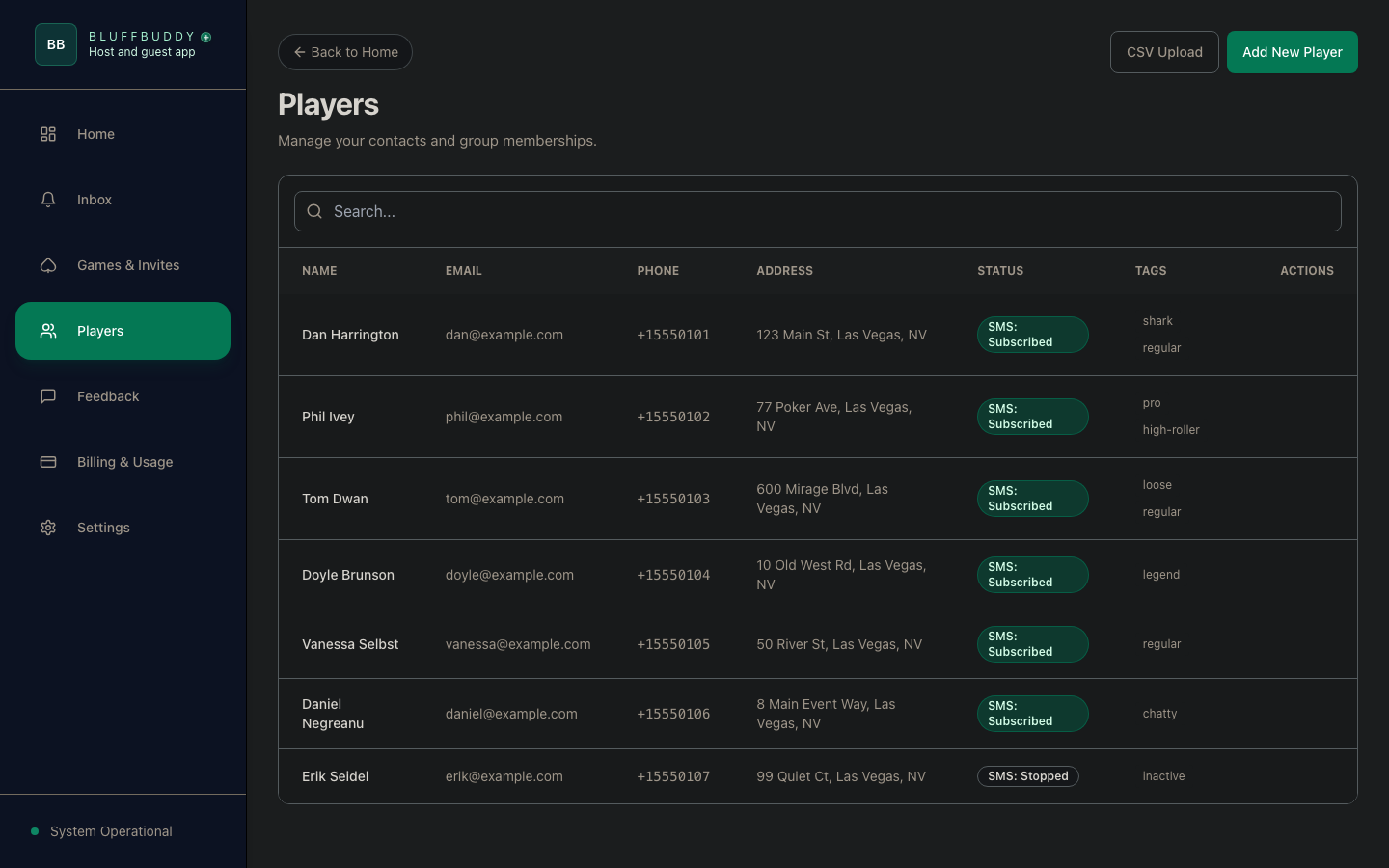
Reuse a consistent plan across invites, waitlists, guest links, and game-day tools.
Use now. Connect later.
Four steps cover the tool and the whole night.
Open
Pick a free utility
Use Blind Clock, Blind Structure, or Starting Stack immediately. The active state stays on this device.
Plan
Sign in for a shared game
Create the game or tournament brief when you need saved details, a guest list, and linked Game Day controls.
Fill
Collect availability and RSVPs
Use guest links to fill seats, manage the waitlist, and keep one current player status.
Run
Control the room display
Use the live clock, display mode, and audio cues to manage levels, breaks, and table awareness.
Clear SMS consent
SMS consent is explicit.
BluffBuddy uses a guest page and branded consent prompts. We do not use unsolicited SMS as the first step for collecting guest opt-in. Message frequency varies. Message and data rates may apply.
Guest link first
ActDaily, Inc. d/b/a BluffBuddy sends guests to a public guest page instead of asking them to consent from an unknown number.
Clear opt-in
The guest page explains the alert type, organizer, and what messages the guest will receive before SMS game alerts begin.
Standard controls
Guests may reply JOIN only after seeing the branded consent flow. STOP and HELP are always supported.